
What Portiger is
Portiger is one binary you install on a bare Linux server. It installs Docker, sets itself up, and gives you a panel that runs your applications the way an orchestrator would: a wanted state that is put back when it drifts, rolling updates, health and readiness checks, secrets, domains and certificates, mail, backups and scheduled jobs. There is no Kubernetes underneath and nothing to assemble first.
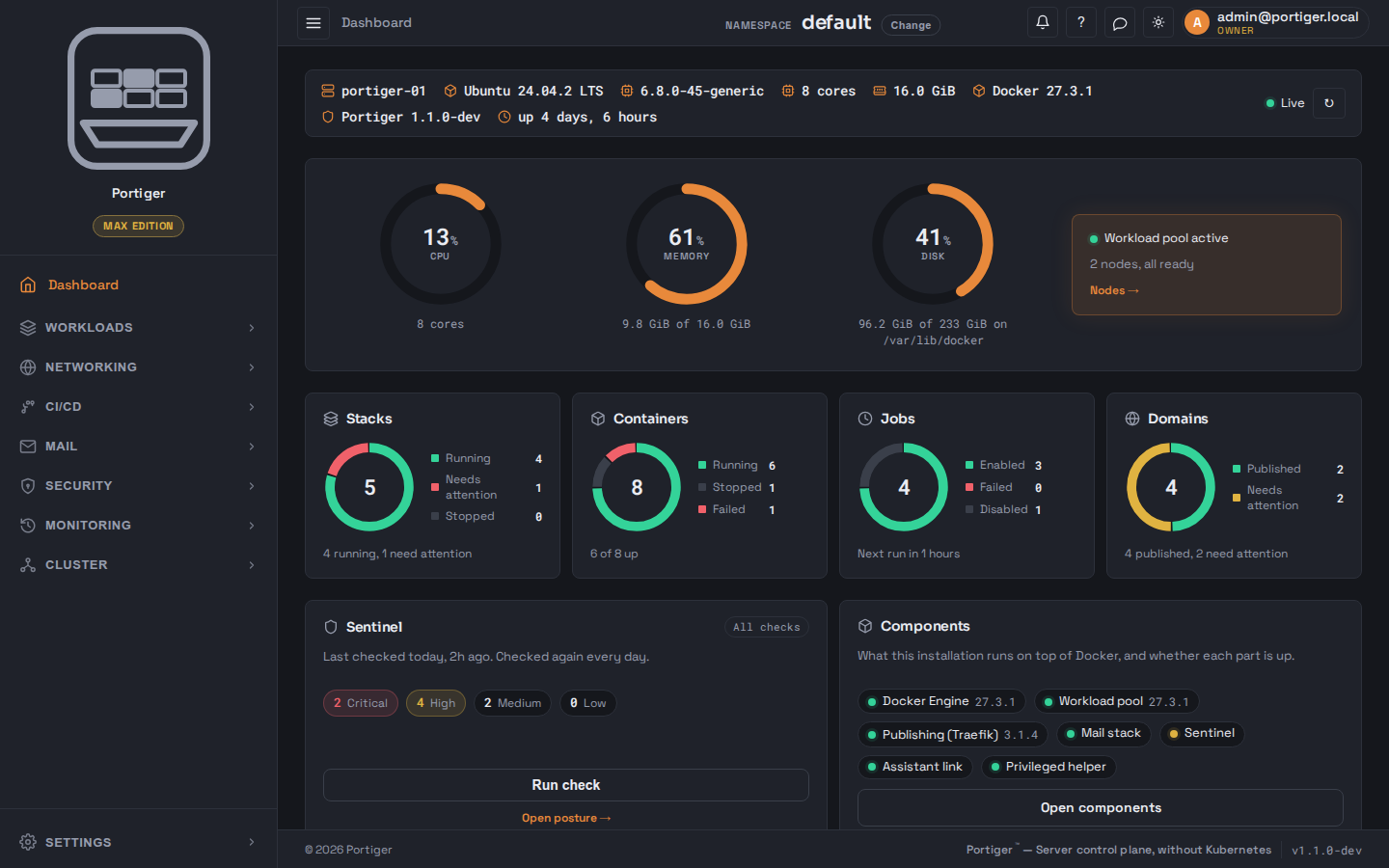
The shape of it
One process on one machine. The panel, the part that talks to Docker and the mail operator are packages inside the same binary, not services calling each other over a network. State lives in one directory on that machine, in SQLite files. Nothing about your installation is stored anywhere else.
Underneath, every stack is run as a service rather than a plain container. That is what buys the rolling update, the replica count, the automatic restart and the rollback. Portiger does that translation; you write ordinary Compose and never see the machinery.
The words this panel uses
default.What it manages
| Area | What you get |
|---|---|
| Workloads | Stacks with per-service container squares, health and readiness probes, containers with logs and a console, jobs, images, volumes and networks. |
| Networking | Domains with DNS, publishing rules and certificates, DNS providers and a zone editor. |
| Delivery | Git providers, pipelines and registered runners; a stack created from a repository writes its own CI file. |
| A mail server for your own domains, with mailboxes, forwarders, lists, a queue and an acceptance test. | |
| Security | Secrets, configs, SSO, an mTLS mesh and Sentinel. |
| Monitoring | Request and resource metrics, an activity history, and notification channels. |
| Operations | Nodes and placement, encrypted backups, system components, disk cleanup, licence and users. |
What it deliberately is not
- Not Kubernetes, and not a Kubernetes manager. Portiger runs Docker workloads on machines you own.
- Not a SaaS. The panel, its database and your history live on your machine. The one outbound relationship is the licence check.
- Not offline. Version 1 has no air-gapped or offline licence: a key is checked at install and kept current afterwards.
- Not everywhere yet. Version 1 ships Debian and Ubuntu deb packages. rpm and arm64 follow in 1.1.
Next: install it, then the setup wizard.