
Jobs
A job is a command Portiger runs for you - a nightly backup, a cache flush, a migration. A scheduled job is not a separate kind of thing: it is a job with a schedule. Nothing runs on the host itself; a job runs in a container.
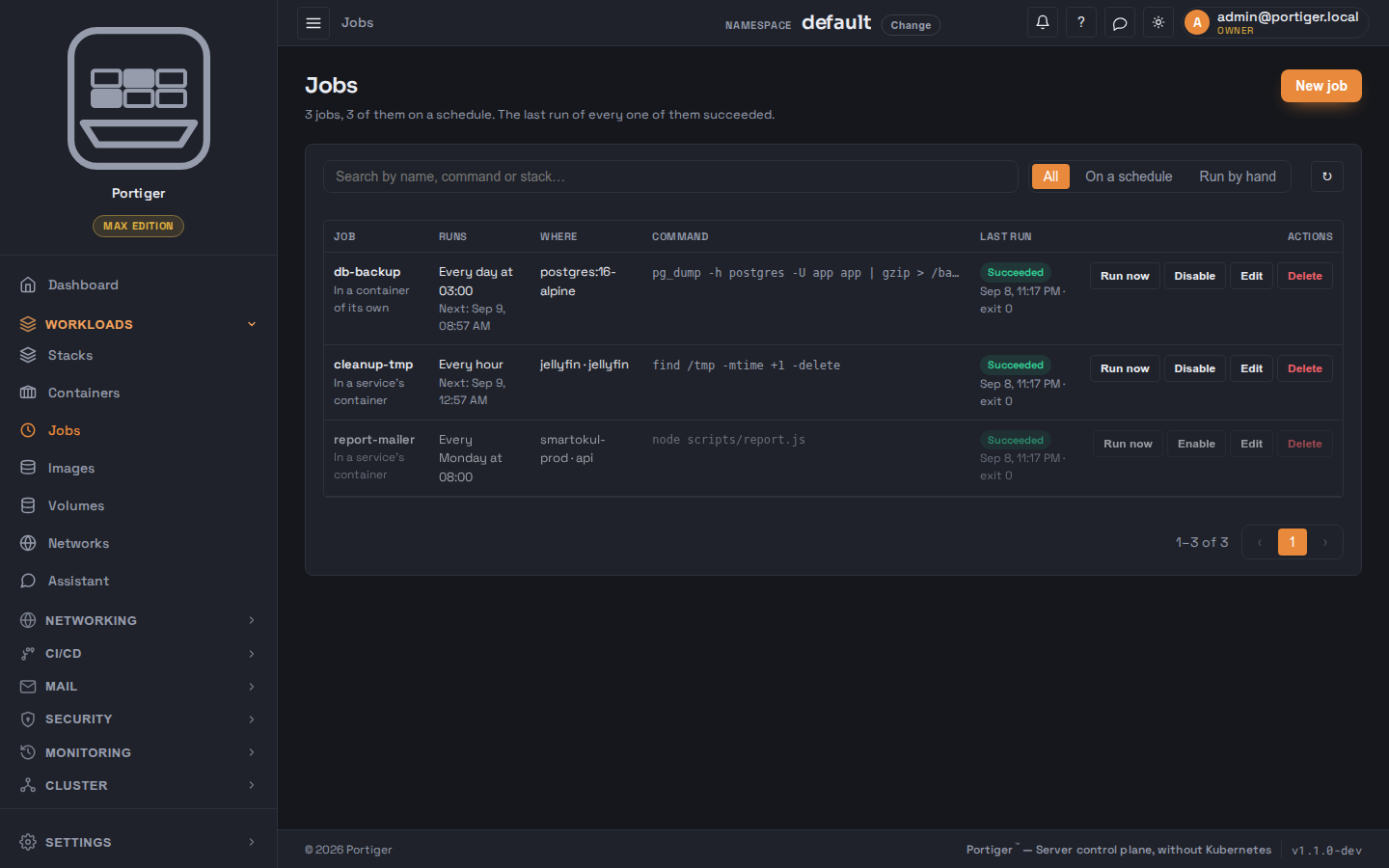
Where it runs
- In a service's container - pick a stack and one of its services, and the command runs inside the container that is already there.
- In a container of its own - pick an image, and a one-off container is started for the run and thrown away afterwards. A stack can be named, optionally, so the job is filed with it.
An image has to be on this installation already; the form says so and links to the Images page rather than pulling something silently.
When it runs
The rest of the form
&& work.The run history
A job's own page keeps its runs: when each started, whether it succeeded, its exit code, how long it took, whether its schedule or a person started it and which attempt it was. Each row can be expanded to show the tail of its output. Pressing Run now opens the new run's output as soon as it exists.
How many you get
| Plan | Jobs |
|---|---|
| Community | Not included |
| Personal | 10 |
| Team | Unlimited |
| Max | Unlimited |
On Community the page says jobs are not part of the plan rather than showing an empty list. On Personal the header counts what is used against the ten, and the create button turns itself off at the limit.